


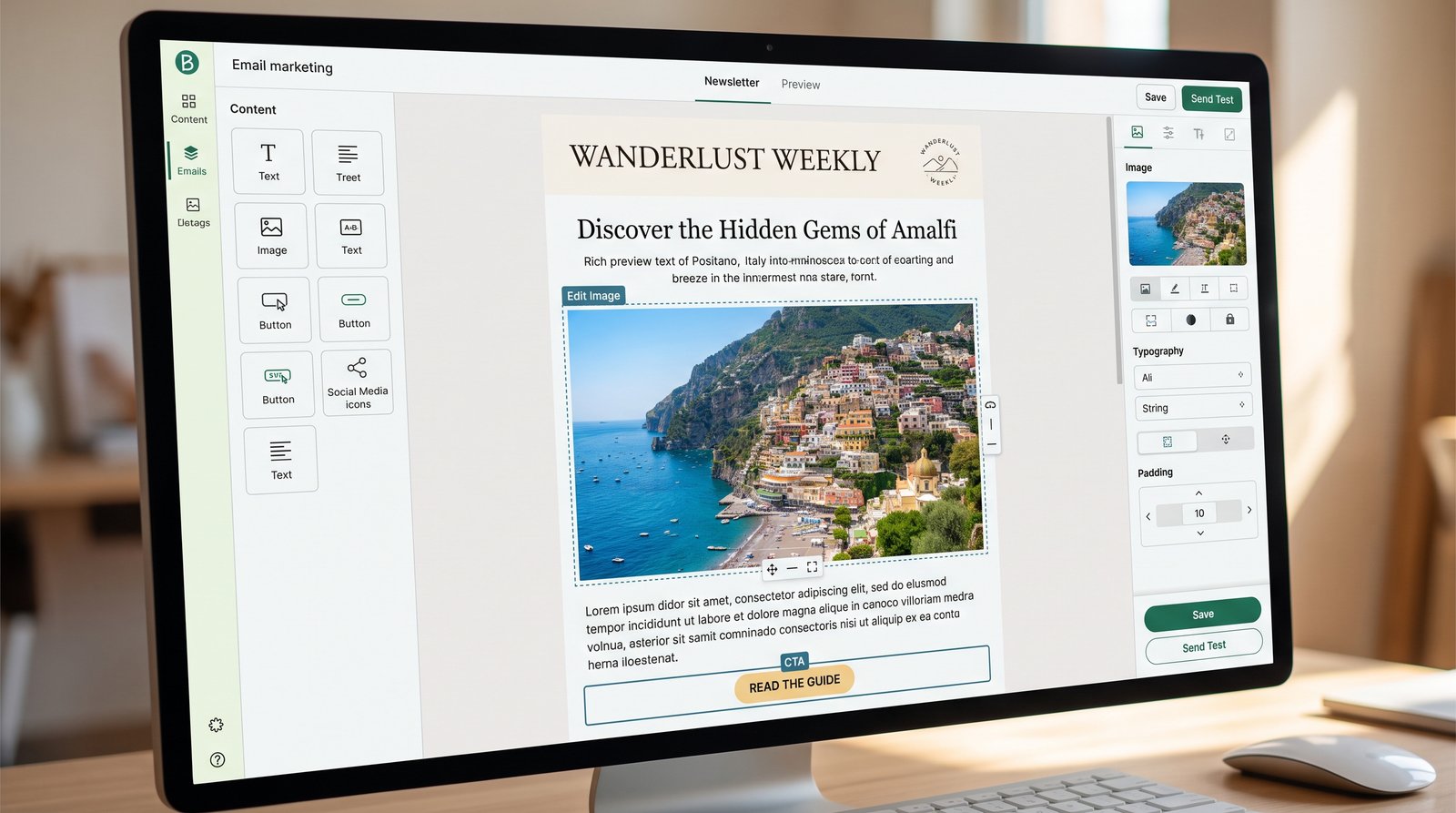
At our agency, email is one of the main ways we share flight deals with customers. After trying different tools, we use Brevo because it combines email campaigns, contact management, automation, and SMS in one place, and small businesses can start on its free plan.
In this guide, we walk through how to create and send a flight deal email with Brevo, step by step.
Step 1: Create your Brevo account
Go to brevo.com and sign up with your business email address. After confirming your email, you'll be asked a few questions about your business. Then you'll reach your dashboard.
Tip: Use an email address on your own domain, such as info@yourbusiness.co.uk. It looks more professional and improves email delivery compared with free addresses.
Step 2: Add your contacts
Go to the Contacts section. You can add contacts one by one or import a list from a spreadsheet file.
Only upload people who have agreed to receive emails from you, such as past customers who opted in or newsletter subscribers. In the UK, sending marketing emails without consent can break data protection rules.
Step 3: Organise contacts into lists
Create lists that match how you send offers. For example:
Customers who travel to Pakistan
Customers interested in European holidays
Newsletter subscribers
This lets you send each deal only to the people most likely to be interested.
Step 4: Create an email campaign
Go to the Campaigns section and create a new email campaign. Give it an internal name you'll recognise later, such as "Summer Lahore Fares."
Then fill in:
Subject line: for example, "Return flights to Lahore from £[Price]"
Preview text: the short line shown after the subject, for example, "Limited seats for summer travel"
Sender name and email: your agency name and business email
Step 5: Design the email
Brevo offers a drag-and-drop editor and ready templates. For a deal email, keep it simple:
A clear headline with the destination and price.
A short description of the offer and travel dates.
One button such as "Book Now" or "Call Us."
Your contact details and an unsubscribe link at the bottom.
Save your design as a template so future deal emails take only a few minutes.
Step 6: Send a test email
Before sending to customers, send a test to yourself. Check it on both your phone and computer. Make sure prices, dates, and links are correct. A wrong price in a deal email can cause real problems.
Step 7: Choose recipients and schedule
Select the list you want to send to, then choose to send now or schedule for later. For travel deals, we find mornings and early evenings work well, but test different times with your own audience.
Step 8: Check your results
After sending, open the campaign report to see opens, clicks, and unsubscribes. Over time, this shows which destinations and subject lines your customers respond to most.
Bonus: Automate your welcome email
In Brevo's automation section, you can set up a workflow that sends a welcome email automatically whenever someone joins your list. It takes a few minutes to set up and runs in the background from then on.
Final thoughts
You don't need technical skills to run professional deal emails. With a tool like Brevo, a small travel business can build a contact list, send targeted offers, and track results from one dashboard. Start with one simple deal email, learn from the results, and build from there.